
How to install sivaPlayer on Fire TV and Android TV
Install sivaPlayer on a Fire TV Stick, Fire TV Cube, Android TV or TV box in a few minutes with the free Downloader app.
sivaPlayer turns your own IPTV playlist into a modern TV experience: live channels with the TV guide, catch-up, films and series, all in one fast, easy app.
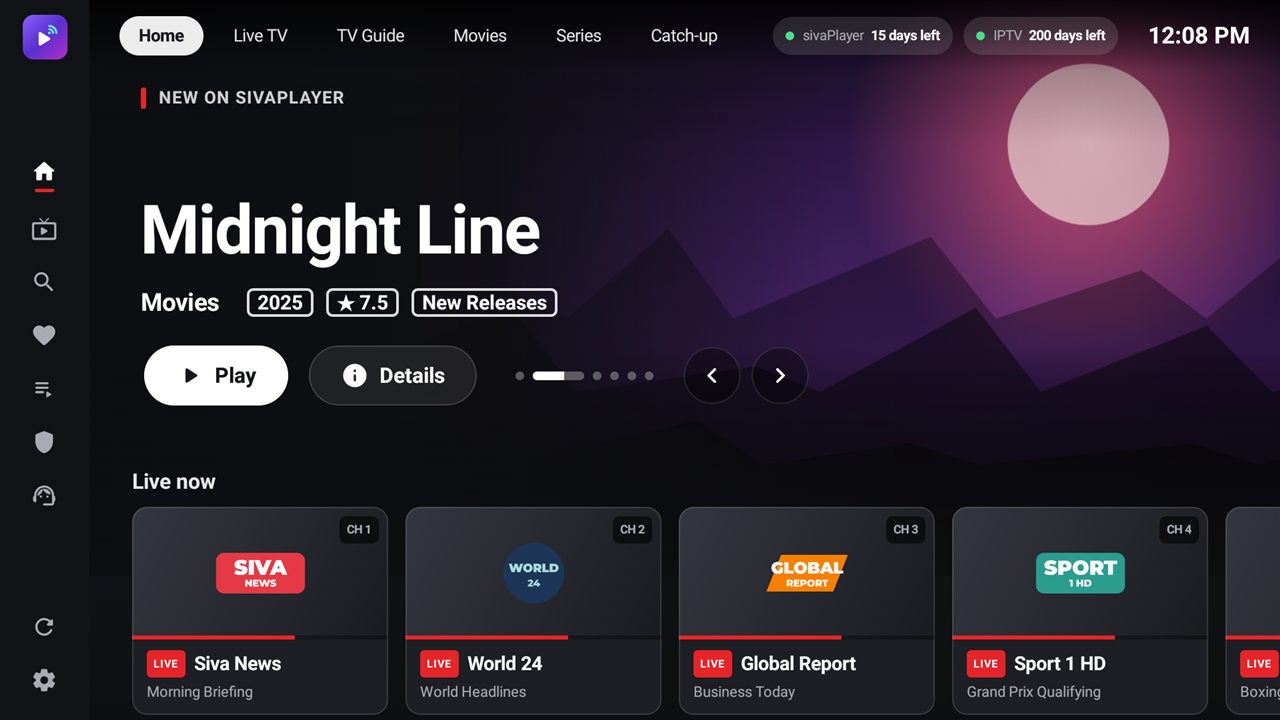
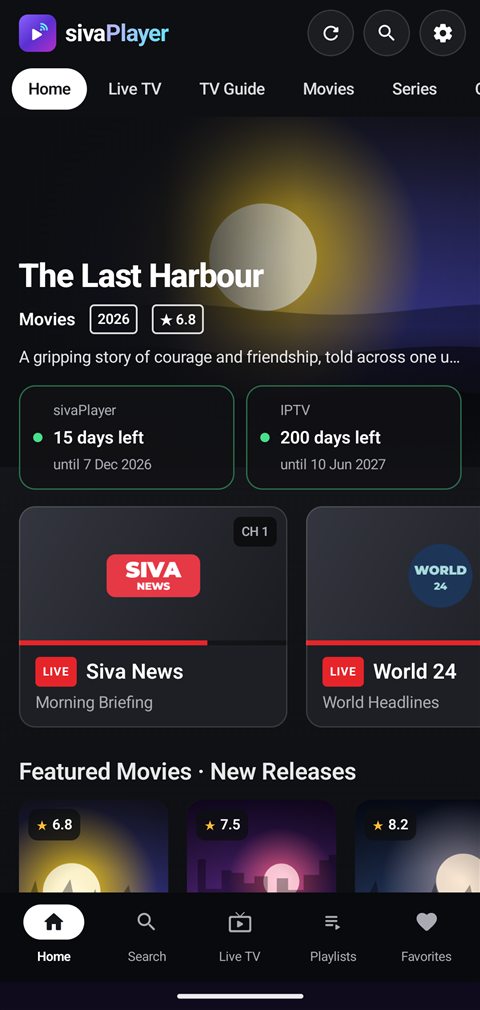
sivaPlayer is a media player. It does not include or sell any channels, films or series. You add the playlist you get from your own provider.
No sign-up and no email: your device is your account.
Download the app on your Android TV, Fire TV, TV box, phone or tablet.
The app shows your device’s MAC address and 6-digit key on its first screen.
Log in here with them and add your Xtream Codes login or M3U link.
Tap Refresh in the app: your channels, films and series are ready.
Made for the remote and the touch screen alike.
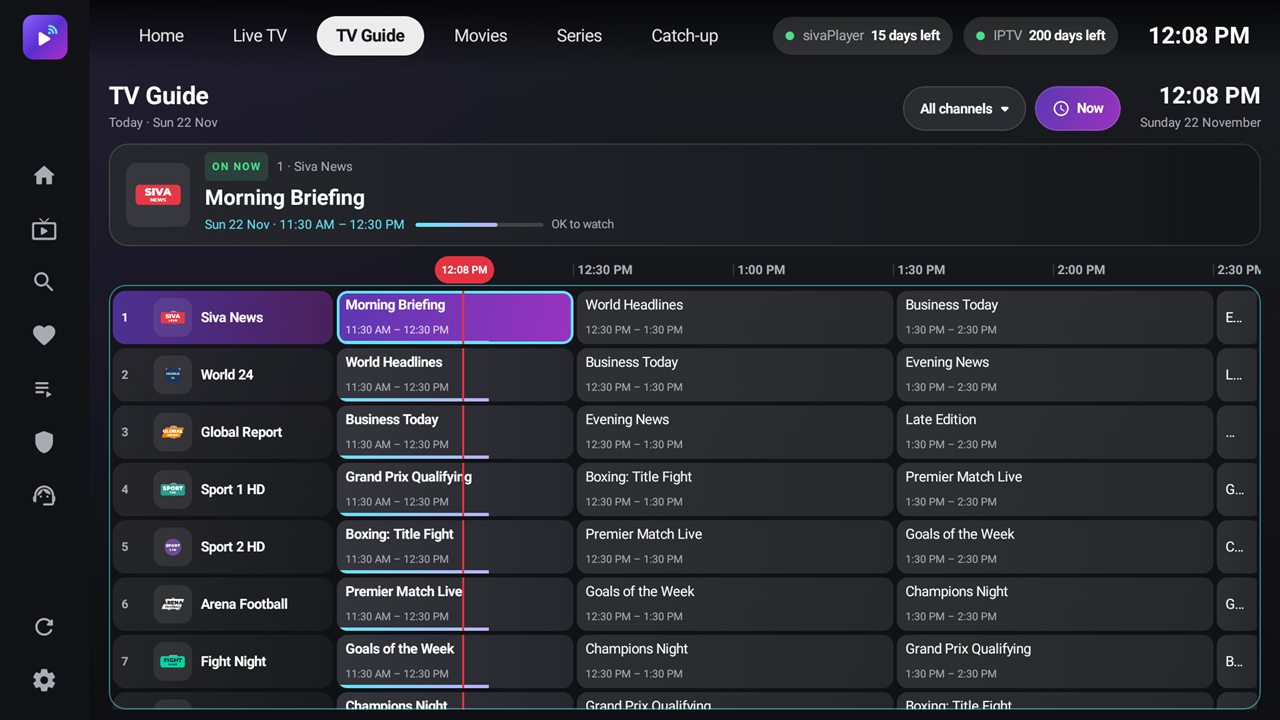
Channels by group, what is on now and next, and fast zapping with your remote.
Hour by hour, for every channel of your playlist.
Watch programmes you missed, when your provider offers it.
Posters, ratings, plots and seasons, with “continue watching”.
Lock adult channels with your own PIN, or hide them completely.
Xtream Codes or M3U. Switch between them in a second.
Choose the language once: sivaPlayer remembers it for the whole series.
Find any channel, film or series as you type.
A clean, dark design with big pictures and clear text, easy to read from the sofa.
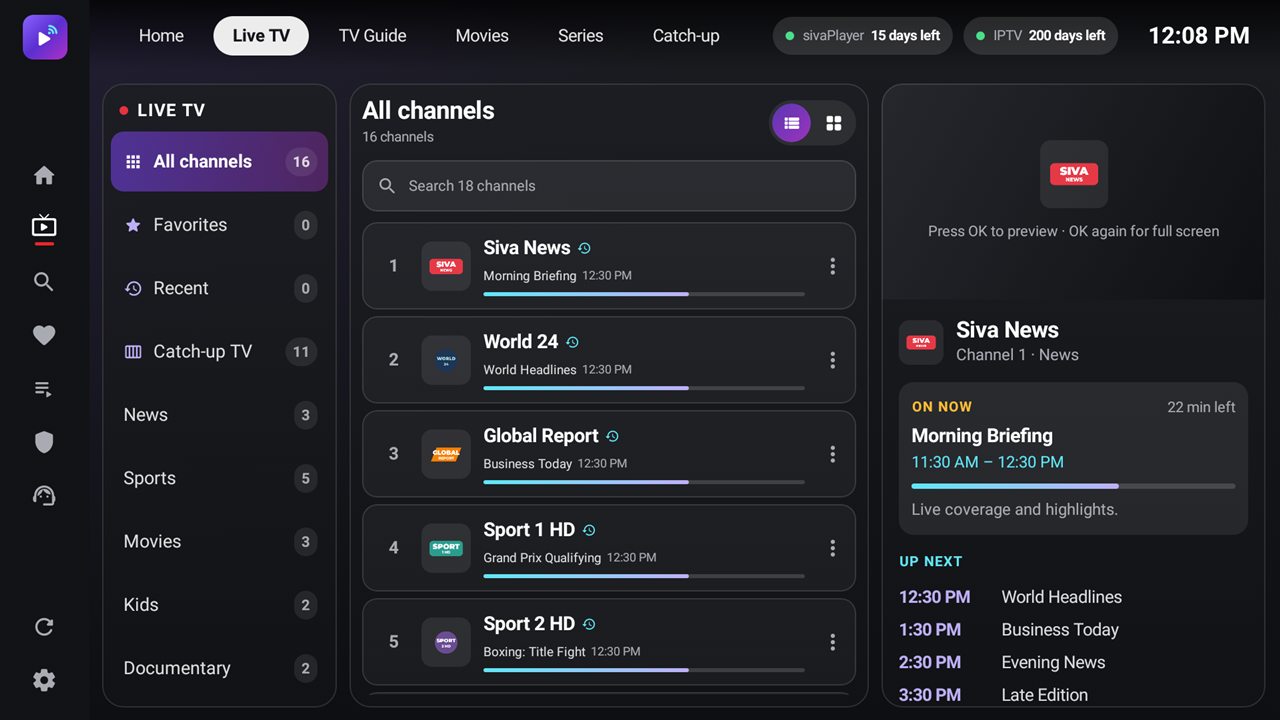
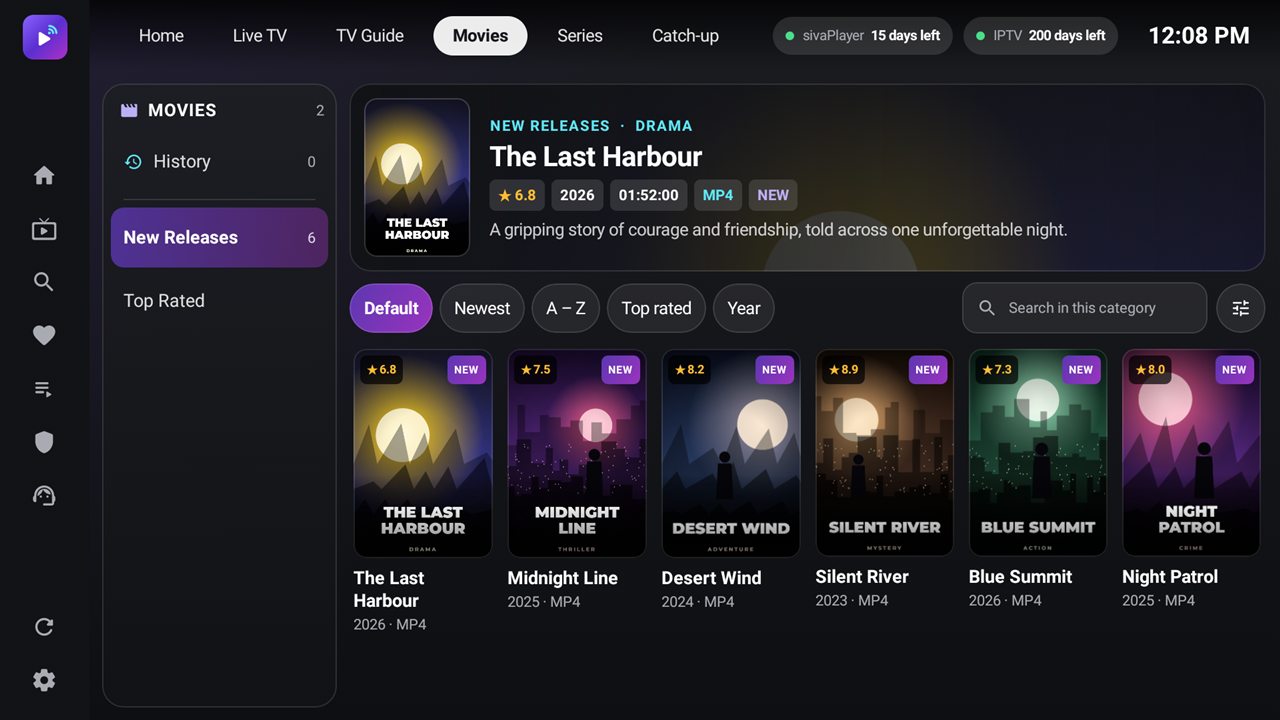
Android 5.0 and newer. Every device gets a free 15-day trial.
Try every feature. When the trial ends, activate Premium for one year with a secure card payment, here on the website.
How to activateInstall sivaPlayer on a Fire TV Stick, Fire TV Cube, Android TV or TV box in a few minutes with the free Downloader app.
Add an Xtream Codes login or an M3U link to sivaPlayer from your phone or computer, using your device's MAC address and key.
Choose your own PIN in sivaPlayer to lock adult channel groups, or hide them completely, on TV and phone.
Download sivaPlayer, note your MAC address and key, and add your playlist.